BonTom

OVERVIEW

This project investigates the relationship between nutrition and social interaction, focusing on shared meals at home and the risk of exclusion linked to food intolerances and dietary restrictions. Situations such as dinners with friends can generate discomfort, misunderstanding, or marginalization when specific needs are minimized or poorly communicated.

The project proposes a digital service designed to support inclusive social dining experiences, encouraging exchange, respect, and participation among all guests. The concept is grounded in an extended research phase on social rituals around food and on user-perceived issues, including fear of judgement, lack of information, and difficulty expressing personal dietary needs.


YEAR

YEAR

2022

2022

2022

2022

TYPE

UX/UI Design

ROLE

ROLE

UX/UI designer

The service name combines “bonton” and “Tom,” the assistant mascot, reflecting an informal and playful tone aligned with the project’s approach to social dining etiquette.

The service name combines “bonton” and “Tom,” the assistant mascot, reflecting an informal and playful tone aligned with the project’s approach to social dining etiquette.

About the project

The outcome is a mobile application that supports both the organization and participation in shared meals through a user-profile–based system. The experience begins with a role selection between host and guest: the host accesses the full set of planning features, while the guest uses a simplified interface focused on participation only. During onboarding, users define their food profile by indicating allergies, intolerances, dietary choices, restrictions, and preferences. Hosts can also configure Tom, the in-app assistant mascot that guides the event setup process.

The application is structured around three main functional areas: event organization and participation, directly accessible from the home screen; a collection of advice cards that provide practical suggestions for etiquette and meal planning; and a set of interactive activities, such as quizzes and group games, designed to encourage conversation and reduce social friction among participants.

On first launch, users are asked to choose between host and guest mode, followed by a latestage onboarding flow with multiple-choice questions answered through selectable chips.

On first launch, users are asked to choose between host and guest mode, followed by a latestage onboarding flow with multiple-choice questions answered through selectable chips.

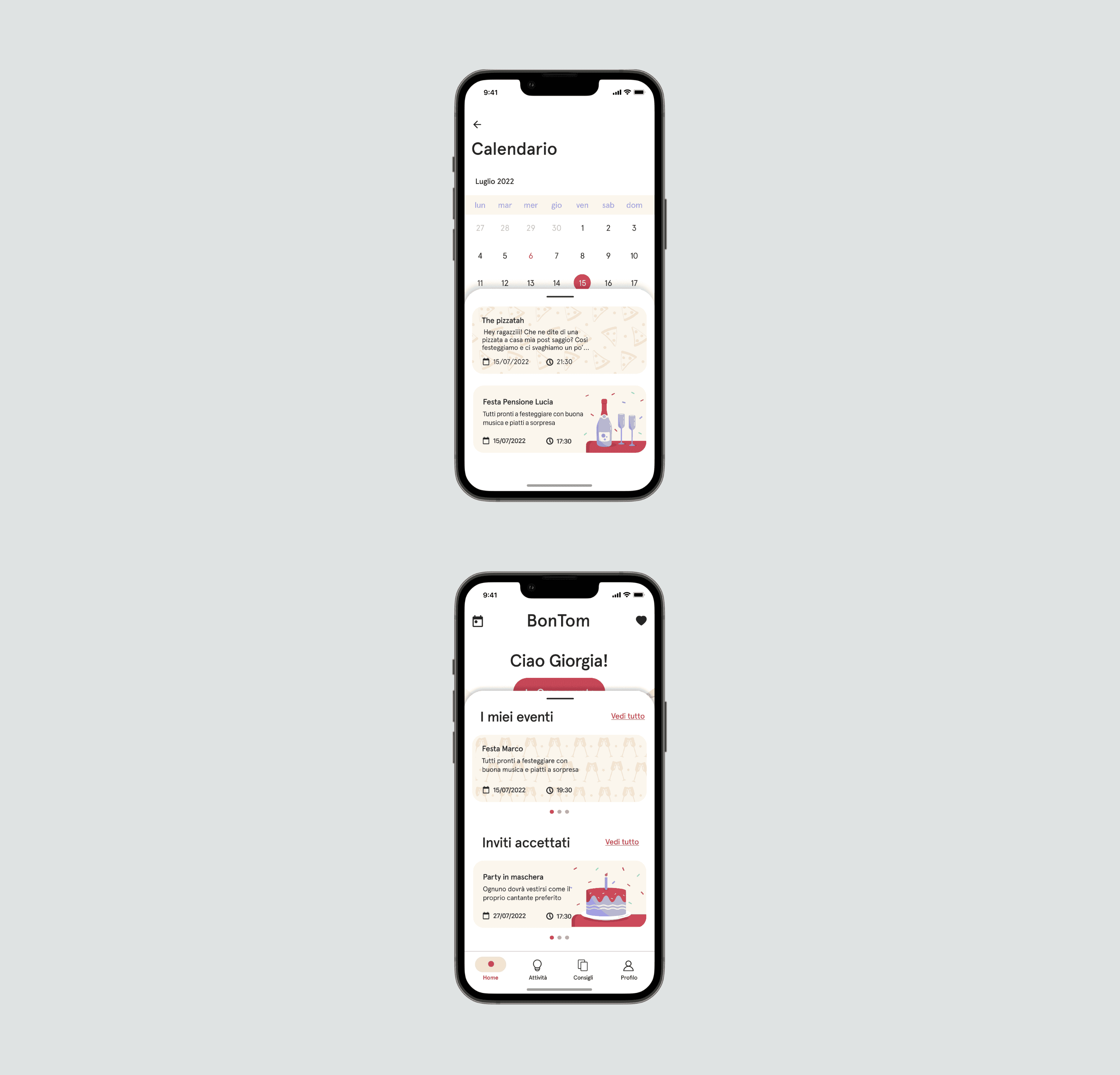
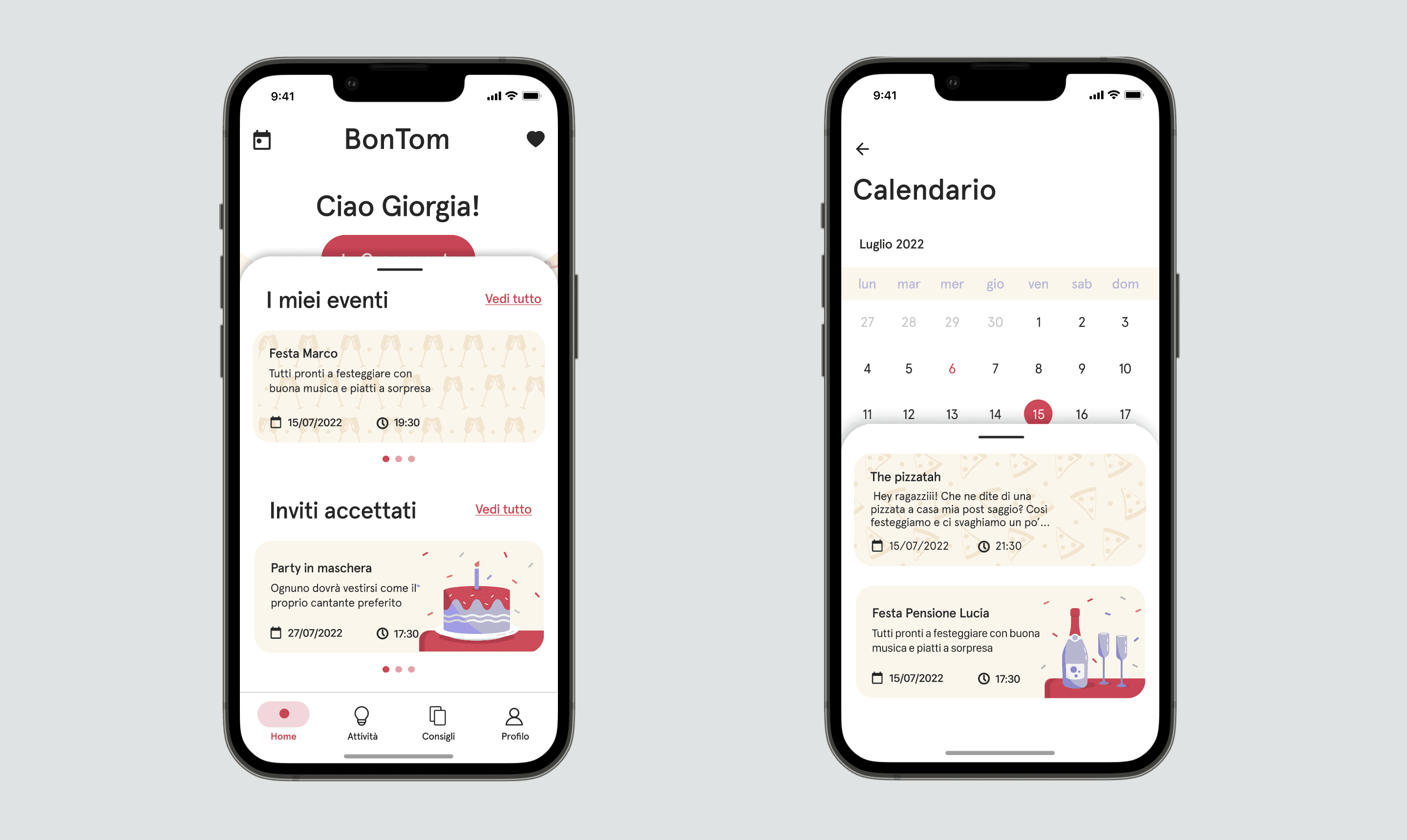
The core action of the system is event creation, structured as a step-by-step flow that moves from event setup and customization to guest invitation. Created events and sent invitations can be immediately accessed through a bottom sheet panel that can be swiped up from the home screen and from the calendar section.

The core action of the system is event creation, structured as a step-by-step flow that moves from event setup and customization to guest invitation. Created events and sent invitations can be immediately accessed through a bottom sheet panel that can be swiped up from the home screen and from the calendar section.

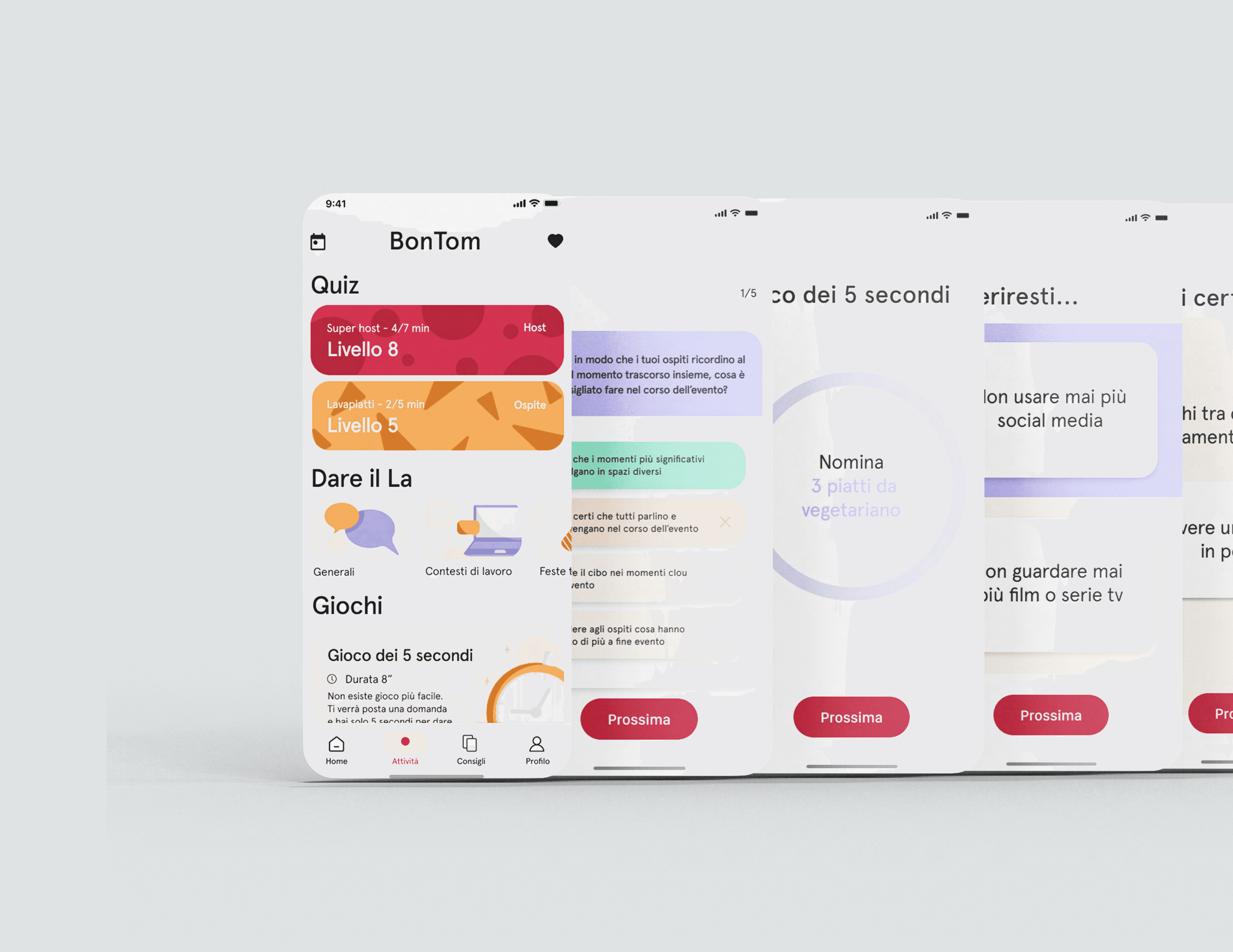
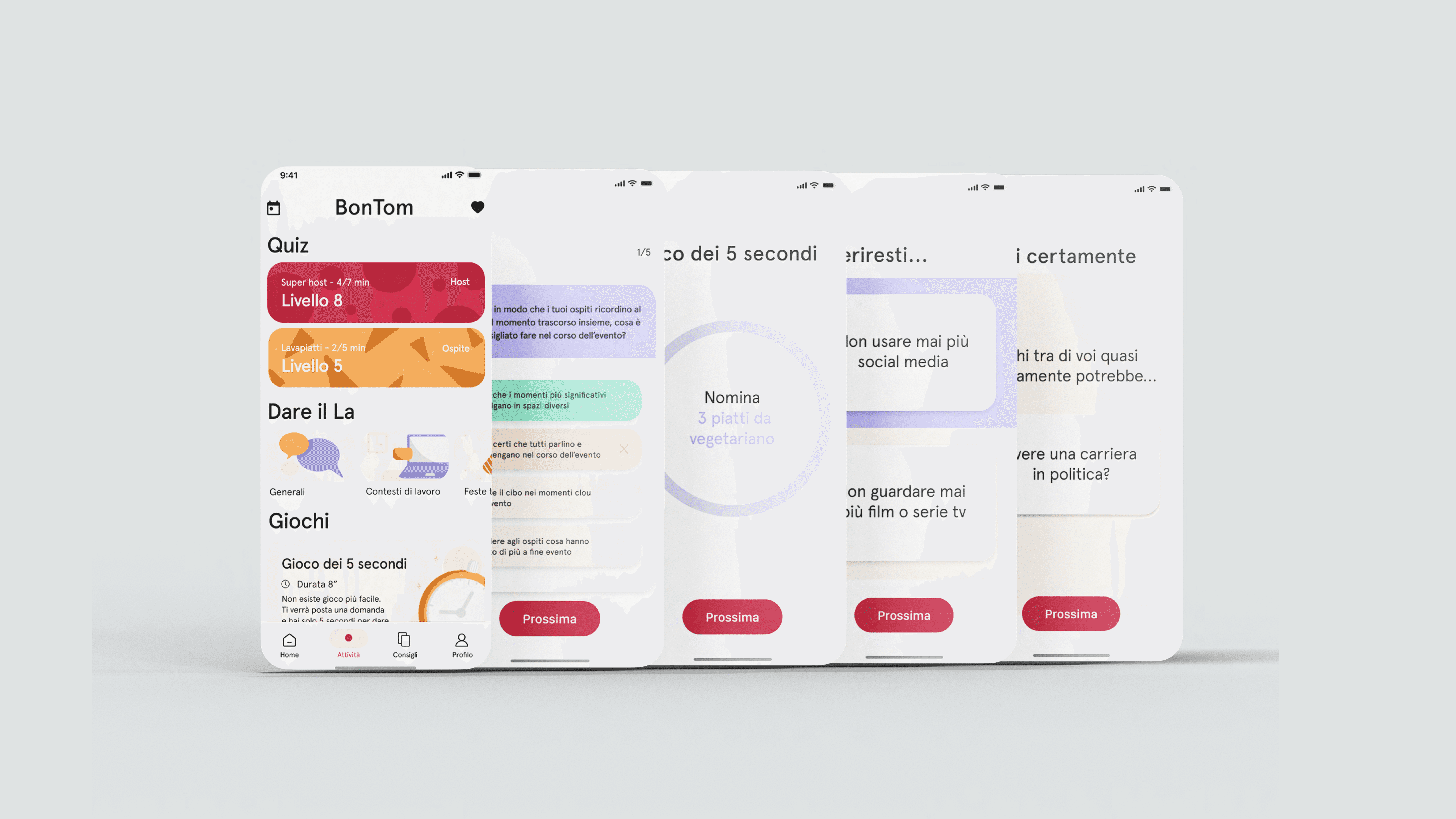
The activities section includes individual quizzes, conversation starters for live events, and simple group games designed to support interaction among guests.

The activities section includes individual quizzes, conversation starters for live events, and simple group games designed to support interaction among guests.

Advice content is organized into thematic groups and presented as cards that users can browse and save for later reference.

Advice content is organized into thematic groups and presented as cards that users can browse and save for later reference.

The profile area collects user information and dietary preferences, and for hosts it also includes feedback and ratings received from guests.

The profile area collects user information and dietary preferences, and for hosts it also includes feedback and ratings received from guests.